
Defendant search
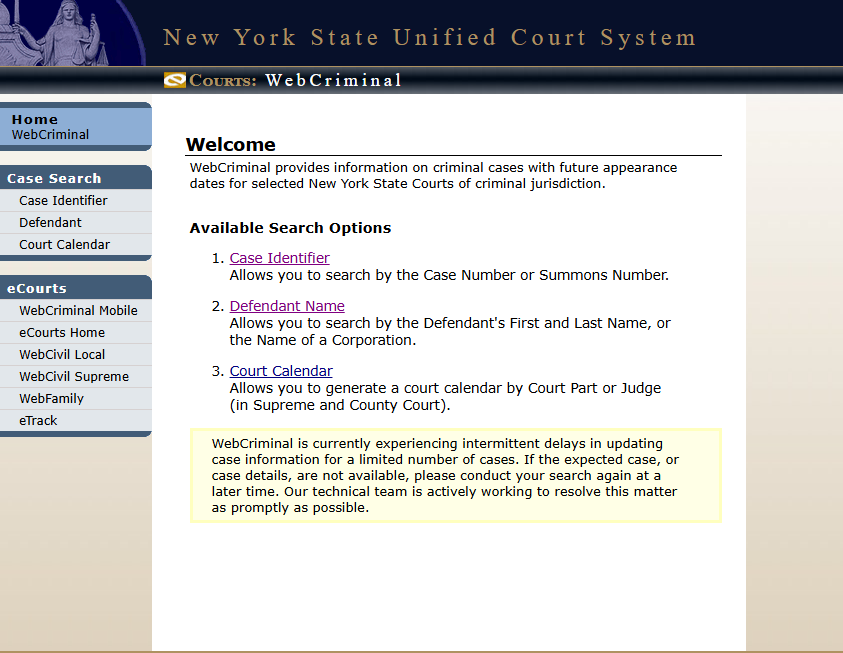
The defendant search lets you look up open criminal cases using a person's name. It is the most common entry point because most users start with a name and nothing else. This method allows you to look up criminal cases using the first and last name of the defendant, or the name of a corporation involved in the case.

Step-by-step guide
Go to the Search Page: Visit the official NY Web Crims portal and navigate to the "Defendant Name Search" section to begin.
Type Defendant's Name: Enter the first and last name of the defendant, or the corporation's name.
Select Court (If Known): If you know which court is handling the case, select it from the options. This helps to make your search more precise.
View Search Results: After you enter your search details, a list of matching records will appear.
Get Detailed Information: Once you find the correct case, click on it to see more detailed information. This often includes case specifics, charges, and future court dates — all valuable information available on the portal.
Purpose — why we use it
Find a case when you only know the defendant's name
Verify whether a specific person has an open criminal matter
Locate the correct case among several in the same county
Confirm spelling variations using partial name search
Benefits
No need to know a docket or indictment number
Works with first name, last name, or both
Filter by county and date of birth to disambiguate common names
Free, instant, and accessible from any browser
Best for: family members tracking a loved one's next court date, journalists confirming a story, attorneys checking a potential client's record before a consultation.

Write a comment ...