
The court calendar search shows every case scheduled in a specific courtroom (called a "part") on a specific day. Instead of looking up a single defendant, you see the full docket the judge will hear. This feature helps you find out about upcoming court dates for cases.
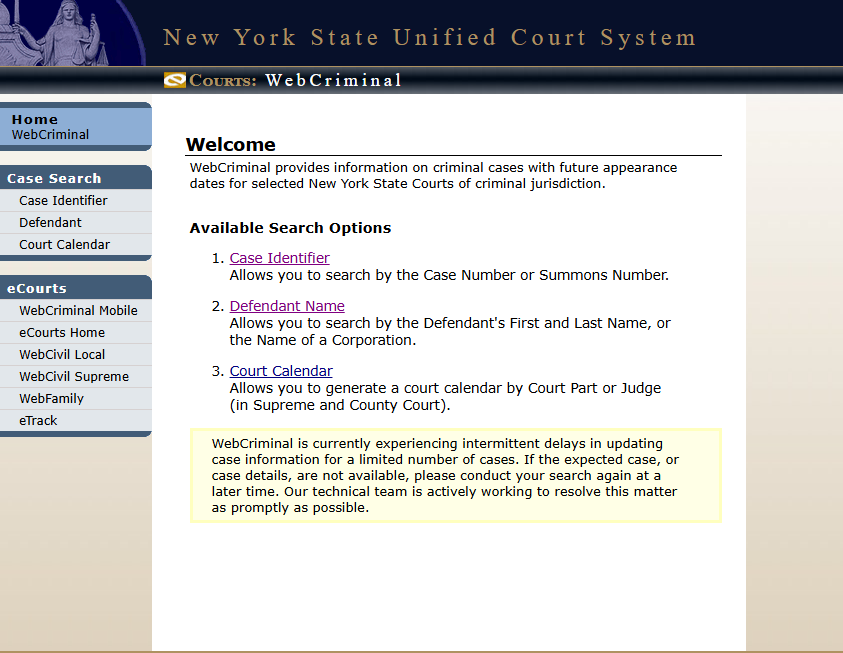
WebCriminal Court Calendar Search form — NYS Unified Court System.
Step-by-step guide
Find the Calendar: On WebCrims, look for the "Court Calendar" feature.
Choose a Courthouse: Select the correct courthouse from the list provided. This list includes all courthouses in the city.
Review Schedule: The calendar will show cases listed by their docket number or name, along with all relevant dates.
You can also find information for specific attorneys or firms and even have copies of your calendar emailed to you through the "Attorney/Firm Calendars" section. To find the next court date for a NYC Criminal Court case, select the correct courthouse and review the schedule.
Purpose — why we use it
See the full schedule of a specific part and judge
Plan a court day across multiple appearances
Monitor high-profile or politically sensitive dockets
Spot scheduling conflicts before they happen
Benefits
Browse without needing a name or case number
Confirm what time and part a case is being heard
Useful for press covering arraignments and hearings
Great research tool for case-flow and judge analysis
Best for: journalists, court watchers, law clerks, and attorneys with multiple cases on the same calendar.
FAQ's
How do I search the calendar?
Select a court, choose a date range, and optionally filter by judge or court part to view listings.
Can I view specific cases from the calendar?
Yes, clicking a case number opens details like charges, status, and appearance history.
Is the calendar updated regularly?
Yes, it is updated frequently, usually daily, based on court scheduling changes.
Why are no results showing?
This may happen if the date range is incorrect, no hearings are scheduled, or the court is not selected properly.

Write a comment ...